What Is an MCP Server?
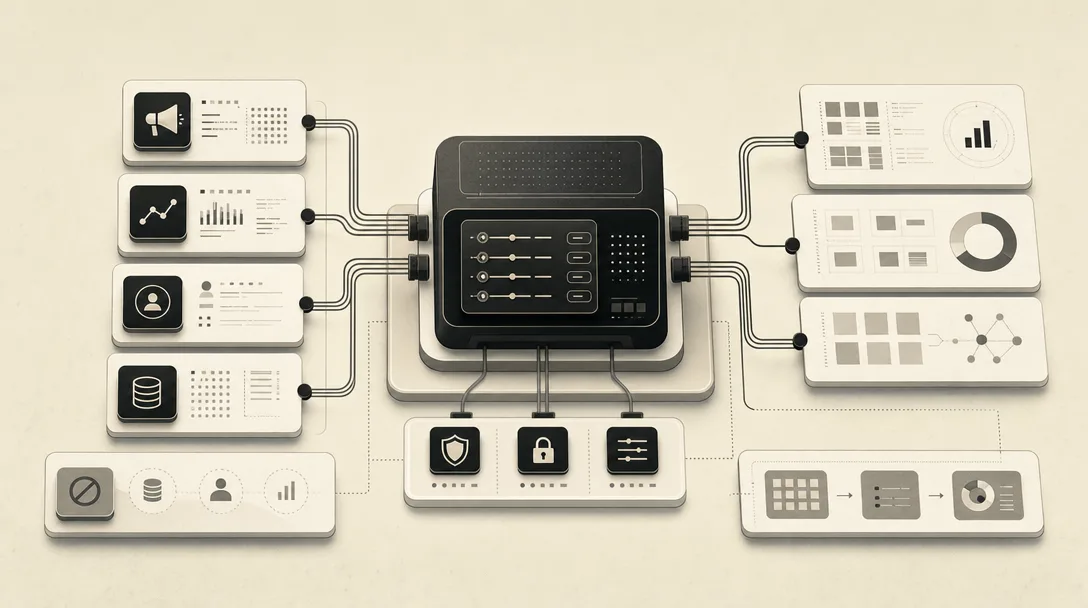
An MCP server is a program that exposes a defined set of tools, data resources, and prompts to AI clients through the Model Context Protocol, rather than a chatbot feature or a data source in its own right. Model Context Protocol, or MCP, is an open standard that lets AI models securely connect to external tools, data sources, and services, as Salesforce's explainer on marketing MCP servers puts it. The protocol is the shared rulebook; the server is the individual program built to that rulebook for one specific tool or platform.
The Model Context Protocol's own architecture documentation defines a server more precisely as a program that provides context to MCP clients. That distinction matters: a server doesn't run the AI model itself, it just makes a fixed set of capabilities available to whichever AI client connects to it. Anthropic introduced the protocol in November 2024, according to Wix's guide to MCP in marketing, and MCP servers now exist for Google Analytics 4, HubSpot, Google Ads, and dozens of other platforms.
MCP Architecture: Host, Client, and Server Roles Explained
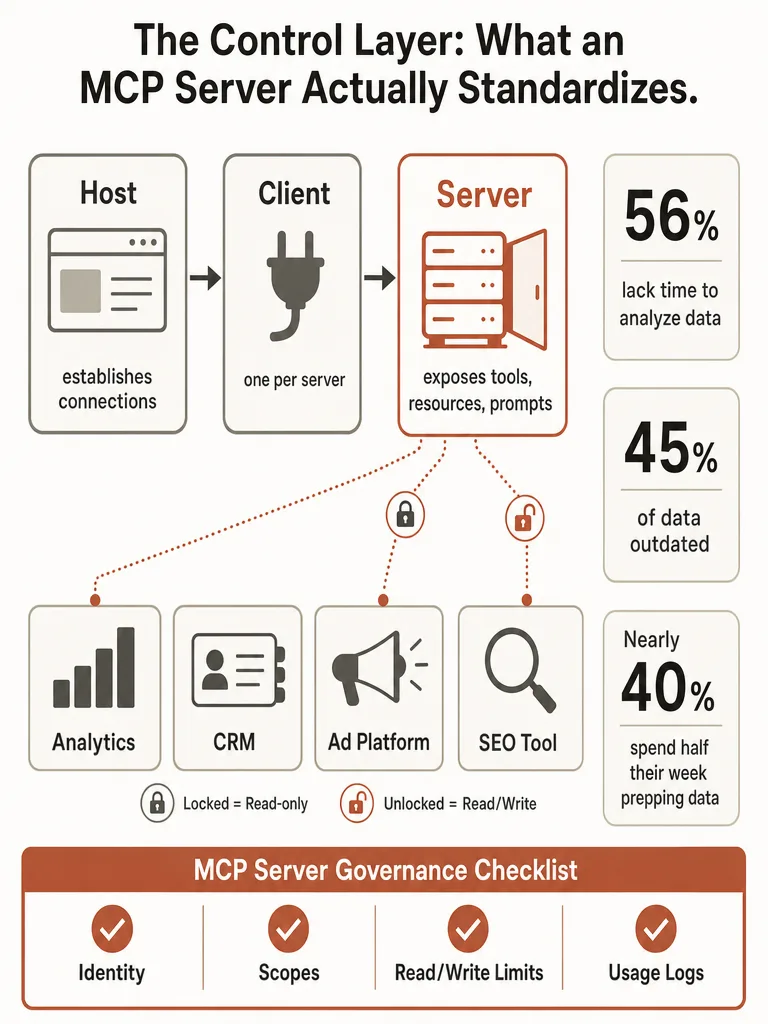
MCP architecture defines three named roles: the host is the application a person actually works in, the client is the connector living inside that host, and the server is the program that exposes tools and data for one specific system. The Model Context Protocol's own architecture documentation describes the host, such as Claude Desktop, ChatGPT, or an IDE like Cursor, as establishing a connection to one or more MCP servers and creating one MCP client for each server it talks to. Mixing these three roles up is the most common confusion in vendor pitches about MCP.
The client handles the technical back-and-forth with a single server; it's the piece inside the host doing the actual protocol work. The server sits at the far end of that connection, the program that actually exposes tools, resources, and prompts for a specific system, whether that's a CRM, an ad platform, or a database.
So a marketing team asking Claude to check Google Ads performance isn't giving Claude direct access to Google Ads. Claude, as the host, opens an MCP client, that client talks to the Google Ads MCP server, and the server is the only piece with real access to the ad account. Each additional platform connected in the same session, HubSpot, GA4, Semrush, gets its own server and its own client, all managed inside one host.
Why Did Anthropic Create MCP, and Who Else Has Adopted It?
Anthropic built and released the Model Context Protocol in November 2024, positioning it as an open standard rather than a proprietary feature tied to Claude. Wix's guide to MCP in marketing describes it as functioning like a USB connector: a common interface any compliant AI system can plug into, instead of every vendor building its own one-off bridge between a model and a tool.
Adoption moved fast after that. OpenAI, Google, Microsoft, and Cursor have all adopted Anthropic's MCP framework, per the same Wix analysis, which means a server built once can work across ChatGPT, Gemini, Copilot, and Cursor's IDE rather than requiring a separate integration for each. That cross-vendor pickup is a strong signal for how quickly the standard spread beyond its original creator, though the sources here don't measure adoption depth beyond naming these companies.
Why Would a Marketing Team Use MCP Instead of Exporting Data Into ChatGPT?
Marketing teams adopt MCP servers to stop the manual export-copy-paste cycle that eats a measurable chunk of the work week, not because MCP is trendy. Dataslayer's research on marketing data challenges found that 56% of marketers don't have enough time to analyze their data properly, and nearly 40% of analysts spend over half their work week prepping data instead of analyzing it. On top of that, 45% of the data marketing teams work with is incomplete, inaccurate, or outdated by the time anyone looks at it.
Fragmentation across the stack, not any single broken tool, is the real cost here. Teams toggle between 8-12 platforms daily, and Dataslayer breaks the weekly cost down by cause:
| Cause of delay | Hours lost weekly |
|---|---|
| Data fragmentation across platforms | 12-15 |
| Inconsistent campaign naming | 8-10 |
| Format standardization (dates, currencies) | 6-8 |
| Tool switching and context loss | 10-12 |
Added up, that's over 40 hours of manual data work weekly across a typical team, and Dataslayer separately reports that 41% of marketers can't effectively measure marketing across channels at all. An MCP server removes the export step entirely because the AI assistant reads live data from the source system instead of a stale CSV.
MCP vs API: What's Actually Different?
MCP standardizes how AI systems discover and call APIs; it doesn't replace them. An Application Programming Interface, or API, is the underlying channel a platform already uses to expose data and actions, described by Stack Overflow's Ben Marconi as a window into the kitchen between two pieces of software. Most MCP servers are built on top of an existing API rather than instead of one, according to MCP Trove's direct comparison of the two approaches: the API still moves the data, and MCP wraps it in a shape a language model can discover and call at runtime without a custom integration.
That's the practical difference. Without MCP, connecting an AI assistant to ten marketing tools means building or licensing ten separate API integrations, each with its own auth flow and data format. With MCP, one server per tool exposes a consistent interface, and GitHub's own explainer on MCP notes that a server built for one product can work across every compatible AI client instead of needing a custom integration for every model-tool combination. The protocol is the discovery and calling convention; the API underneath still does the actual work.
Can an MCP-Enabled Assistant Write to Your Marketing Systems, or Just Read?
Whether an MCP-enabled assistant can write to your systems depends entirely on the specific server, not on MCP as a concept. Surface Labs' July 2026 guide to marketing MCP servers draws a sharp line between two live examples: Google's Ads MCP server is currently read-only, so an assistant connected to it can pull performance data and generate reports but can't pause a campaign or shift budget on its own. HubSpot's remote server, generally available since April according to the same guide, goes further, supporting expanded reading and writing across parts of the CRM while still respecting whatever permissions the connecting user already has in HubSpot.
| Server | Access level | Auth approach |
|---|---|---|
| Google Ads MCP | Read-only | OAuth 2.0 |
| HubSpot remote MCP | Read and write, scoped to user permissions | OAuth 2.1 with PKCE |
That permission inheritance matters more than the read/write label itself. An MCP server exposes whatever authority the connected identity already has in the underlying system; it carries no separate authority of its own. A user with edit rights in HubSpot who connects Claude through MCP is handing that same edit right to the assistant, nothing broader.
Where to Start: Prioritizing Marketing Stack Connections for MCP
Analytics, CRM, ad platforms, SEO tools, and workflow automation are the practical first candidates for MCP, roughly in that order of payoff. Google Analytics 4 is a common starting point because performance questions come up constantly and are low-risk to get wrong: Wix's marketing guide points to combining ChatGPT with GA4 data through an MCP server to build month-over-month reports without a manual export. SegmentStream's 2026 roundup of marketing MCP servers lists the wider set teams are actually connecting: Google Ads MCP and Meta Ads MCP for ad platforms, GA4 MCP for measurement, Ahrefs and Semrush for SEO, HubSpot, Shopify, and Klaviyo for CRM and commerce, and Zapier, Make, and n8n for automation, alongside BigQuery, Slack, and Google Sheets MCP for data and reporting.
Zapier's MCP server is worth calling out separately. Wix's guide describes it as one example that expands MCP beyond an LLM's generative text capabilities into actually triggering workflows, which marks the difference between an assistant that reports on your stack and one that acts inside it. Start with read-heavy analytics and SEO connections, confirm the reporting is accurate, then move to CRM and automation servers that can write.
What Should You Check Before Connecting a Tool to an MCP Server?
Before connecting any tool to an MCP server, check identity, scopes, read/write limits, and logging, in that order. Surface Labs' guide to marketing MCP servers frames this directly: the important buyer question isn't whether a tool supports MCP, it's what the server exposes, under whose identity, with which scopes, and with what record of use. Those four checks map to a short pre-connection routine:
- Identity: Confirm which user or service account the server acts as. An MCP connection tied to an admin account grants the assistant admin-level reach, even if no one intended that.
- Scopes: List exactly which objects, campaigns, contacts, or reports the server can touch. A CRM server scoped to "read contacts" is a different risk profile than one scoped to the whole database.
- Read/write limits: Verify whether the server can only retrieve data or can also create, edit, or delete records, since, as the Google Ads and HubSpot examples above show, this varies by vendor and by release.
- Usage logs: Confirm the server or host keeps a record of what the assistant queried or changed, so a bad output can be traced back to a specific action instead of discovered downstream.
Every new MCP connection deserves the same scrutiny as adding a new admin user, not a quick feature toggle.
When Is an MCP Server the Wrong Choice for a Marketing Task?
MCP handles access, not judgment, so tasks that need a judgment call still need a person or a purpose-built tool. Surface Labs' guide to marketing MCP servers is direct about this limit: an MCP server lets an AI application discover and use approved data or tools, but it doesn't supply marketing judgment, guarantee a correct answer, or replace the underlying platform. Connecting Claude to a GA4 account through MCP means it can pull the right numbers faster; the interpretation of those numbers still needs a review.
MCP also adds unnecessary overhead for narrow, single-tool tasks a person already handles through a platform's native interface in under a minute. If a task involves one system, one action, and no cross-referencing against other data, a direct API call or the platform's own automation, like a scheduled report, is often simpler than standing up and governing an MCP server for it. MCP earns its complexity when an assistant needs to work across several systems in one session, not when it's touching just one.
How Does MCP Fit Into an AEO, GEO, and Content Publishing Workflow?
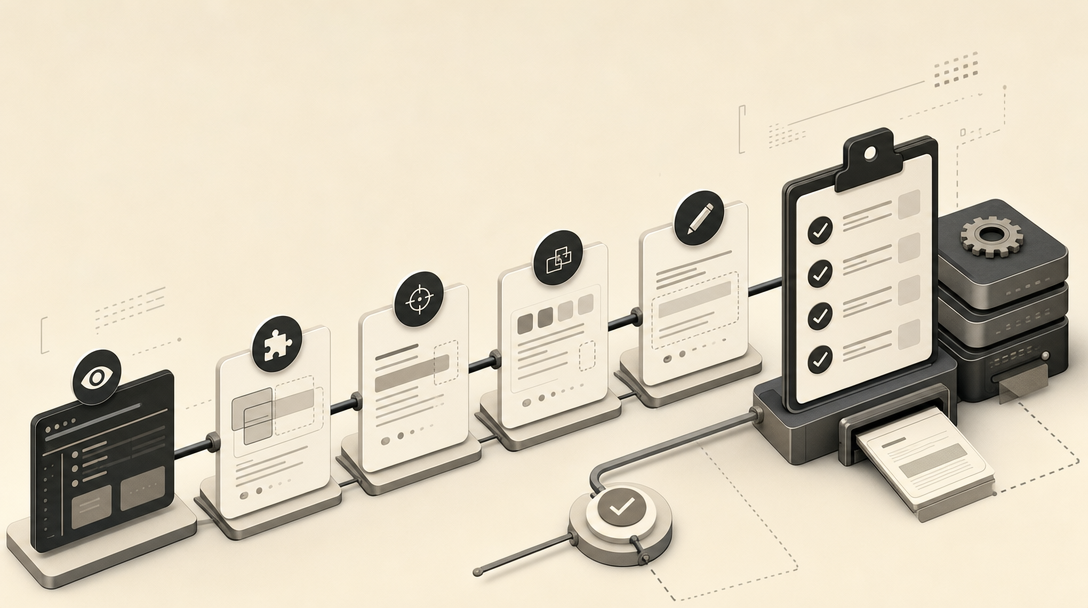
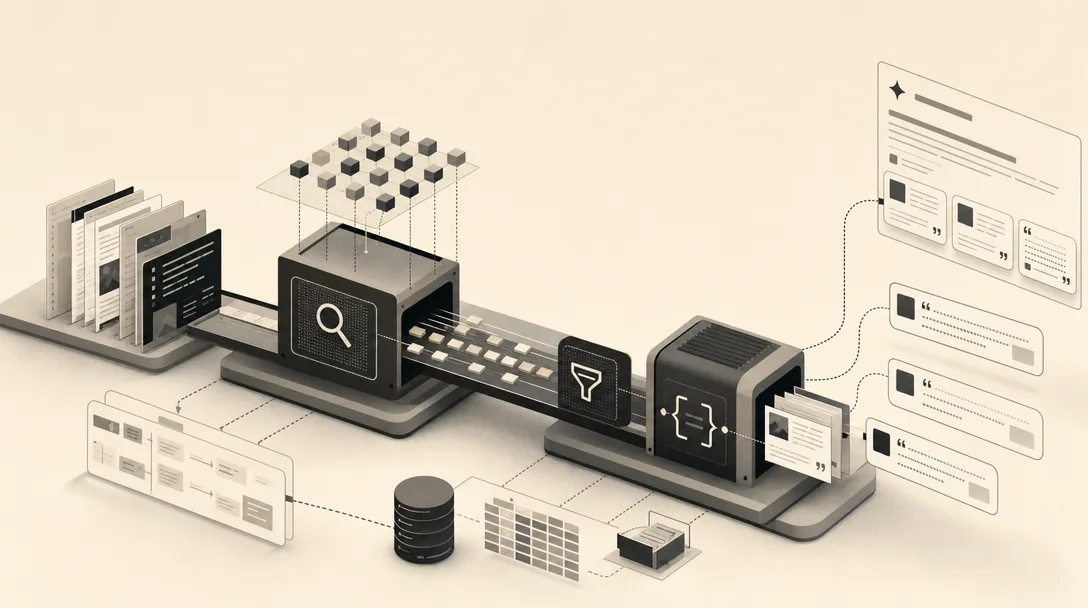
MCP fits into an AEO, GEO, and LLMO publishing workflow the same way it fits into a CRM or ad account: it lets an AI assistant read and act on a system inside one session instead of switching tools by hand. For content operations, that means an assistant connected through MCP can pull a site's existing archive, check what's already published, draft a new section, and hand it back for review without the operator exporting anything.
That pattern is covered in how to let an AI coding assistant publish blog posts directly to a CMS, which lays out scoped access, a quota, and a draft-first gate as the safe setup for that kind of connection. MentionWell's editorial pipeline runs research, drafting, and publishing as connected stages rather than separate manual handoffs, which is the same operating logic MCP applies at the protocol level: define what's exposed, keep a human gate before anything goes live, and log what happened.
Teams evaluating an MCP connection for their own content stack can apply the same identity, scope, and logging checklist covered above before granting any assistant write access to a CMS or publishing pipeline.