What is MCP, and how does it let your AI assistant publish blog posts?
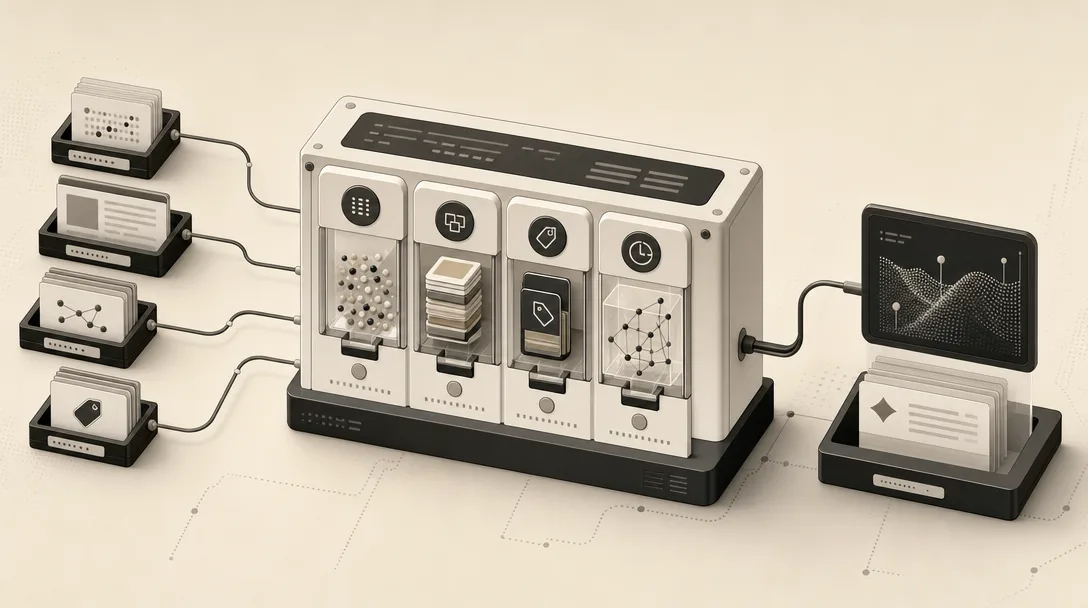
Model Context Protocol (MCP) is an open-source standard for connecting AI applications to external systems, according to the official MCP documentation at modelcontextprotocol.io. It lets an AI application such as Claude or ChatGPT reach outside its own chat window to touch data sources, tools, and workflows, then act on what it finds instead of just describing it. The documentation compares MCP to a USB-C port for AI applications: one standardized connector instead of a custom integration for every tool.
That distinction matters for publishing. Without MCP, an assistant like Claude Code, Cursor, or Codex can only generate text you then move by hand. With an MCP server wired to your CMS, the same assistant can call a tool that creates a post, sets its slug, or pushes a draft live, because MCP is explicitly built so AI applications "can access key information and perform tasks." MCP is supported across Claude, ChatGPT, Visual Studio Code, Cursor, MCPJam, and other clients and servers, so the connection isn't tied to one vendor's assistant.
Why should publishing happen inside Claude Code, Cursor, or Codex instead of a separate dashboard?
Switching to a separate dashboard is the step that slows an AI-assisted publishing workflow down. Once an assistant can call a publish tool directly through MCP, the trip from "draft this post" to "it exists in the CMS" happens inside the same session where the plan, the outline, and the review live. Copying a draft out of a chat window and into WordPress, Ghost, or Webflow re-introduces a manual handoff that automation was meant to remove.
Keeping publishing inside Claude Code, Cursor, or Codex also keeps context intact. The assistant that wrote the outline still holds the reasoning behind section order, internal link targets, and the facts it pulled in. Handing that draft to a separate dashboard, or a different tool, for a human to push live means re-explaining decisions that were already made. An MCP-connected publish call skips that translation step: the same session that drafted the post is the session that ships it, with the review gate built into that session rather than added on afterward.
The Safe Minimum Setup Before You Let an Assistant Publish
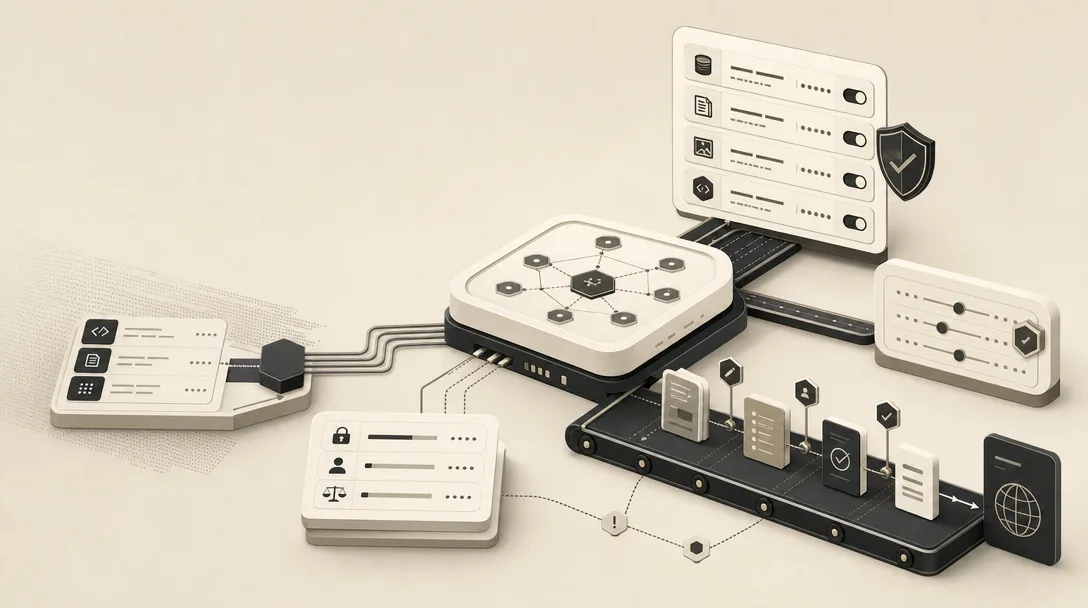
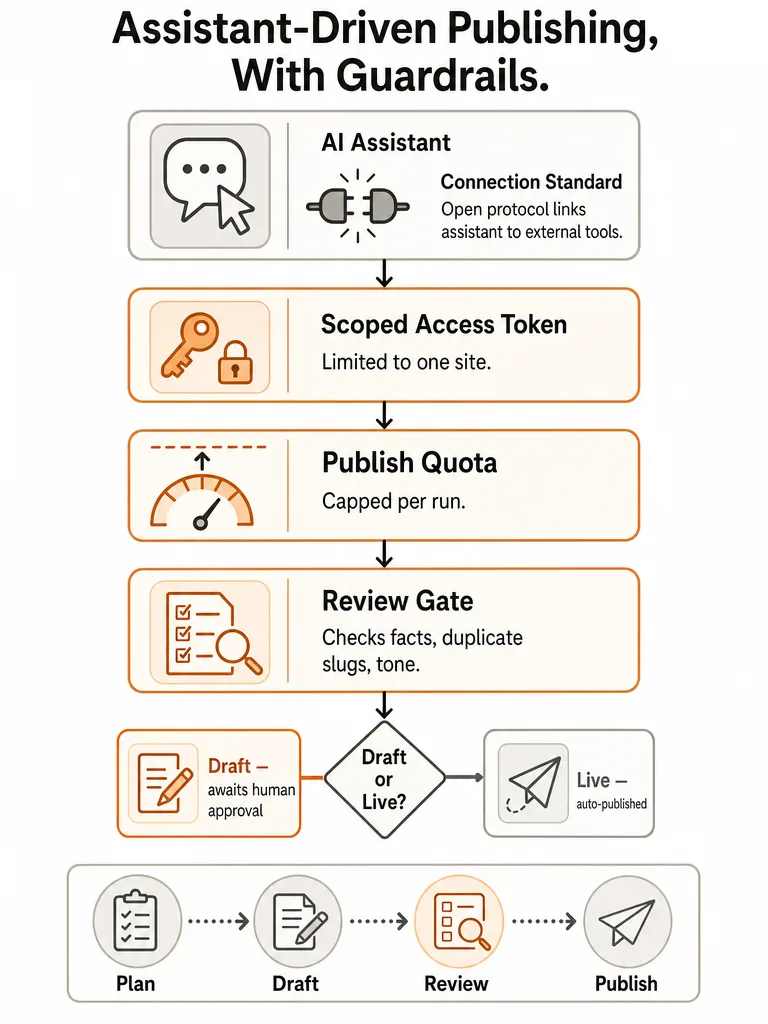
A safe setup for assistant-driven publishing rests on three controls: a scoped access token, a hard quota on how much can go out unattended, and a review gate the content must clear before it's live. None of the three is optional if the assistant has write access to a real archive, because a publish tool call behaves exactly like a human clicking "publish," just faster and without hesitation.
| Control | What it limits |
|---|---|
| Scoped token | Which site, collection, or content type the assistant can touch |
| Publish quota | How many posts can ship per run or per day without a human in the loop |
| Review gate | Whether a specific draft is allowed to go live at all |
The order matters. Scoping and quotas limit blast radius before anything is written. The review gate is the last checkpoint on the specific piece of content, not a substitute for the first two. Skipping any leg of this turns "let the assistant publish" into "let the assistant publish unsupervised," which is a different, riskier system than most teams intend to build.
Why scope the token and cap the publish quota?
Scoping the token to one site or one content collection keeps a misconfigured prompt from touching anything beyond the blog. Public documentation on exact token schemas for MCP-connected publishing tools is limited as of this writing, so treat the principle rather than a specific implementation as the operating rule: grant access to the smallest surface area that lets the workflow function, not the account-level credentials that happen to be lying around.
A publish quota does a different job. It bounds how much unattended output can reach a live archive in a single run or a single day, regardless of how the review gate performs. This matters because a review gate is a check on quality, not a check on volume: an assistant that clears every review can still publish far more than a small editorial team can meaningfully stand behind.
Neither control replaces the other. A scoped token with no quota still lets one over-eager run flood the archive; a quota with a broad token still lets a single publish call touch content it shouldn't reach.
What should the review gate check before a post goes live?
A review gate should confirm the draft's facts, check for duplicate slugs or titles, and verify tone before the publish call fires. Wisp's guidance on AI-generated content is direct: publish as a draft first and run a final quality check before it goes live.
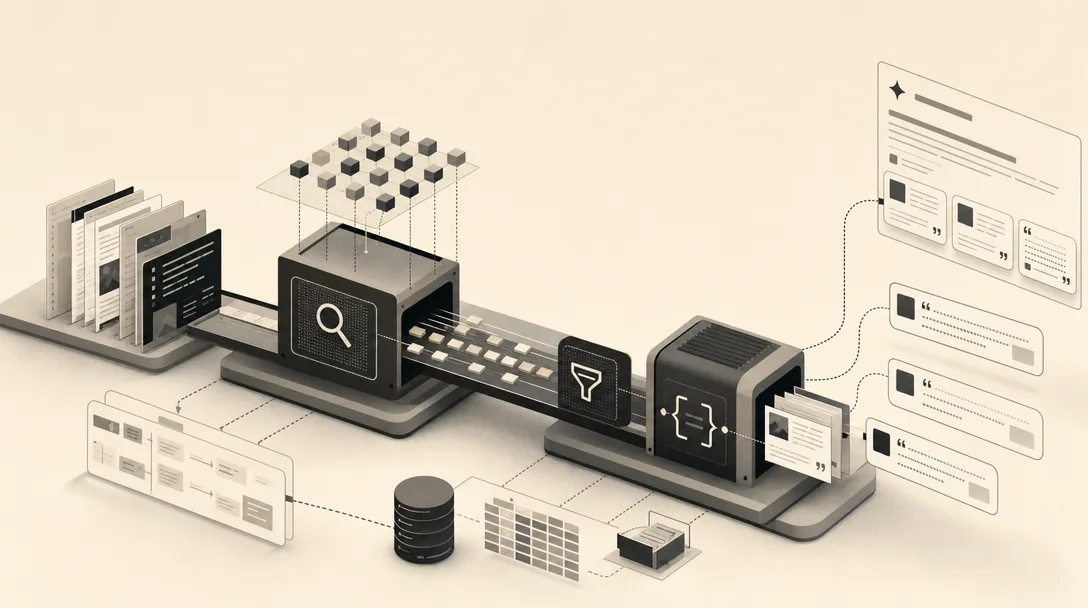
The open-source publishing-skills project, which packages Claude Code, Cursor, Codex, and other coding agents into a blog-publishing pipeline, builds this check into the pipeline itself rather than leaving it to a person's memory. Its stages run classify, research, outbound interlinking, draft generation, output cleanup, and what it calls an AI-SEO audit, before the content reaches the publish step. That audit stage is the mechanical version of the same question a human editor asks: does this draft meet the bar before it's allowed to ship?
The specific checks matter less than where they sit. A review gate that runs after the CMS already shows the post live isn't a gate, it's a post-mortem.
The Workflow: Plan, Draft, Review, Publish
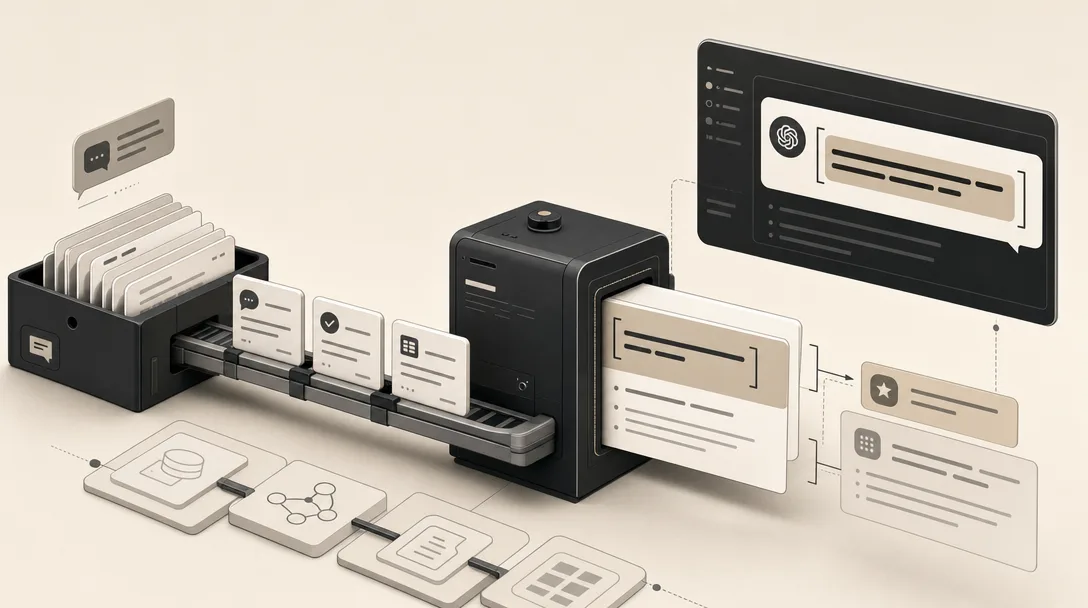
A publishing workflow built for an AI assistant runs in four separate stages, each with its own checkpoint: plan, draft, review, and publish. Google Cloud's engineering team, writing on October 7, 2025, found that for complex tasks the assistant should build and save a step-by-step plan and ask for approval before executing new milestones. Wisp CMS describes a parallel structure for content specifically: trigger, generation, publishing endpoint, and review before publish.
Combining both patterns gives a four-step sequence:
- Plan. Ask the assistant to produce a structured outline before it writes anything. Wisp's own pipeline generates a JSON array of 4-6 section titles at this stage, which gives you something concrete to approve or redirect before drafting starts.
- Draft section by section. Rather than generating one long block, have the assistant write each section from the outline independently. This chained-prompt approach, which Wisp recommends as more reliable than a single generation pass, keeps any one section's errors from compounding across the whole post.
- Route through a publishing endpoint as a draft. The MCP-connected publish tool creates the post in a staged, unpublished state rather than pushing it live directly.
- Review, then publish. A human, or a defined review gate, checks the staged draft against the criteria in the section above before the final publish call fires.
Google Cloud's broader point applies across all four steps: break complex, high-level assignments into manageable components and keep the developer, or in this case the editor, in control of execution rather than delegating the whole chain at once.
Should AI-generated posts publish as drafts or go live automatically?
AI-generated posts should publish as drafts first, according to Wisp CMS's guidance on building an AI agent that publishes to a headless CMS. Wisp recommends staging content as a draft so a final quality check can happen before the post reaches readers.
A draft state simply means the publish call and the "go live" decision are two separate actions, which is what makes a review gate enforceable at all. Remove that separation and there's no point left where a human, or an automated check, can stop a bad post before it reaches a live archive.
The practical version of this: configure the MCP-connected publish tool to write to a draft or staged state by default, and treat a second, explicit action, whether that's a person's approval or a passing automated check, as the only path to a published status. Combined with the quota and scoping controls from earlier, this keeps the assistant fast without making it the last word on what a reader sees. Teams evaluating how AI Overviews and other answer engines decide what to cite will recognize the same principle: extractable, trustworthy content still depends on a deliberate publishing step.
Can Claude Code, Cursor, or Codex publish to WordPress, Ghost, or a headless CMS?
Yes. The publishing-skills project, which installs into Claude Code, Cursor, Codex, Gemini CLI, GitHub Copilot, and more than 50 other runtimes according to its own documentation, describes itself as platform-agnostic and ships built-in adapters for Ghost's Admin API, WordPress's REST API, and static-site generators.
| Adapter type | Platforms | What's required |
|---|---|---|
| Built-in adapter | Ghost, WordPress | Ships with the pipeline, no extra setup |
| Built-in adapter | Static-site generators: Hugo, Astro, Eleventy, Jekyll, Next-MDX | Ships with the pipeline, no extra setup |
| Custom adapter | Webflow, Sanity, Strapi | A roughly 20-line adapter, per the project's own estimate |
The project's own framing is that the hard part is the pipeline, not the publish step: research, drafting, cleanup, and SEO auditing are the work, while shipping to a specific platform is "glue" handled through swappable adapters. Adding support for a CMS not already built in, such as Webflow, Sanity, or Strapi, takes roughly a 20-line adapter rather than a rebuild of the pipeline. That separation is what lets one assistant-driven workflow move between CMS platforms, or run across multiple sites on different stacks, without rewriting the research and drafting logic each time.
Failure Modes When an Assistant Publishes Without Guardrails
Unreviewed content reaching a live archive is the umbrella risk behind every failure mode in an MCP-connected publishing setup. Once a scoped token and a publish tool exist, the assistant is mechanically capable of skipping the judgment a human editor would normally apply, not because it's malicious, but because nothing in the pipeline stopped it.
Two specific failure modes sit underneath that umbrella risk and deserve their own attention: duplicate titles slipping into a live archive, and brand voice drifting across a growing set of AI-published posts. Both are quiet failures. Neither breaks the publish call. Both degrade the archive slowly enough that they're easy to miss until a reader, or a search engine, notices first.
How do duplicate titles slip into a live archive?
Duplicate or near-duplicate titles enter a live archive when an assistant drafts a new post without checking what already exists under a similar title or slug. An MCP-connected publish tool has no built-in reason to compare a new draft against the full archive unless that check is explicitly part of the review gate; the tool call succeeds either way.
Public detail on programmatic duplicate-detection for AI-published archives is limited as of this writing, so the safeguard has to be built into the review step rather than assumed as a feature of the publishing tool itself. The practical version is a check that runs before the publish call: does a post with this title, or a close variant of it, already exist in the target collection? That single question, enforced as a gate rather than left to chance, catches the failure mode that a fast, quota-driven workflow is most likely to produce, especially once publishing volume increases across a programmatic SEO effort.
How does brand voice drift across many AI-published posts?
Brand voice drift happens gradually as an assistant publishes more posts over time, with each individual draft passing a review gate that checks facts and structure but not accumulated tone. A single post can read fine in isolation while a set of fifty posts, reviewed one at a time, slowly diverges from how the brand actually sounds.
This is a gap current guidance on AI-generated publishing doesn't cover well: draft-first review, like Wisp's recommendation, checks the individual piece, not the pattern across a growing archive. A per-post review gate has no memory of the last twenty posts it approved. Catching drift requires either a periodic pass that samples recently published posts against a defined style reference, or building tone consistency directly into the outline stage of the plan-draft-review cycle described earlier, so voice is set before drafting starts rather than checked only after.
Keeping the Assistant On-Brief Without Slowing Down Publishing
Keeping an assistant on-brief without losing speed means placing review checkpoints at the right points in the workflow. The plan-then-draft structure Google Cloud recommends and the chained outline-to-section pattern Wisp describes both work because they create a small number of fixed points where a human can redirect the assistant before more work compounds on top of a wrong decision.
The outline stage is the cheapest place to catch a drifting brief, since correcting a 4-6 item outline costs a fraction of what correcting a finished draft costs. The draft-as-staged-content stage is the last cheap place to catch factual or tonal problems before a reader sees them. Scoped tokens and publish quotas bound how much damage any single miss can do; they don't replace the review itself.
This doesn't require slowing the assistant down at the generation step, only deciding in advance exactly where a human still has to say yes. Teams building a repeatable version of this pattern across many posts or many sites are effectively building the same governed pipeline that a citation-shaped content engine like Mentionwell runs by default, with the plan, draft, and review stages built into the workflow rather than assembled by hand each time.